 Incented
Tracking Applications
Monitor your application status and understand outcomes
After submitting, find your applications by selecting "My Applications". You can also navigate to the program and check the Applications tab.
Application Status
Draft - Saved but not submitted. Only you can see it.
Submitted - Public and in the voting queue. Waiting for the community to weigh in.
Awarded - You won. Payout is coming.
Failed - Didn't win this time. Check the votes to understand why.
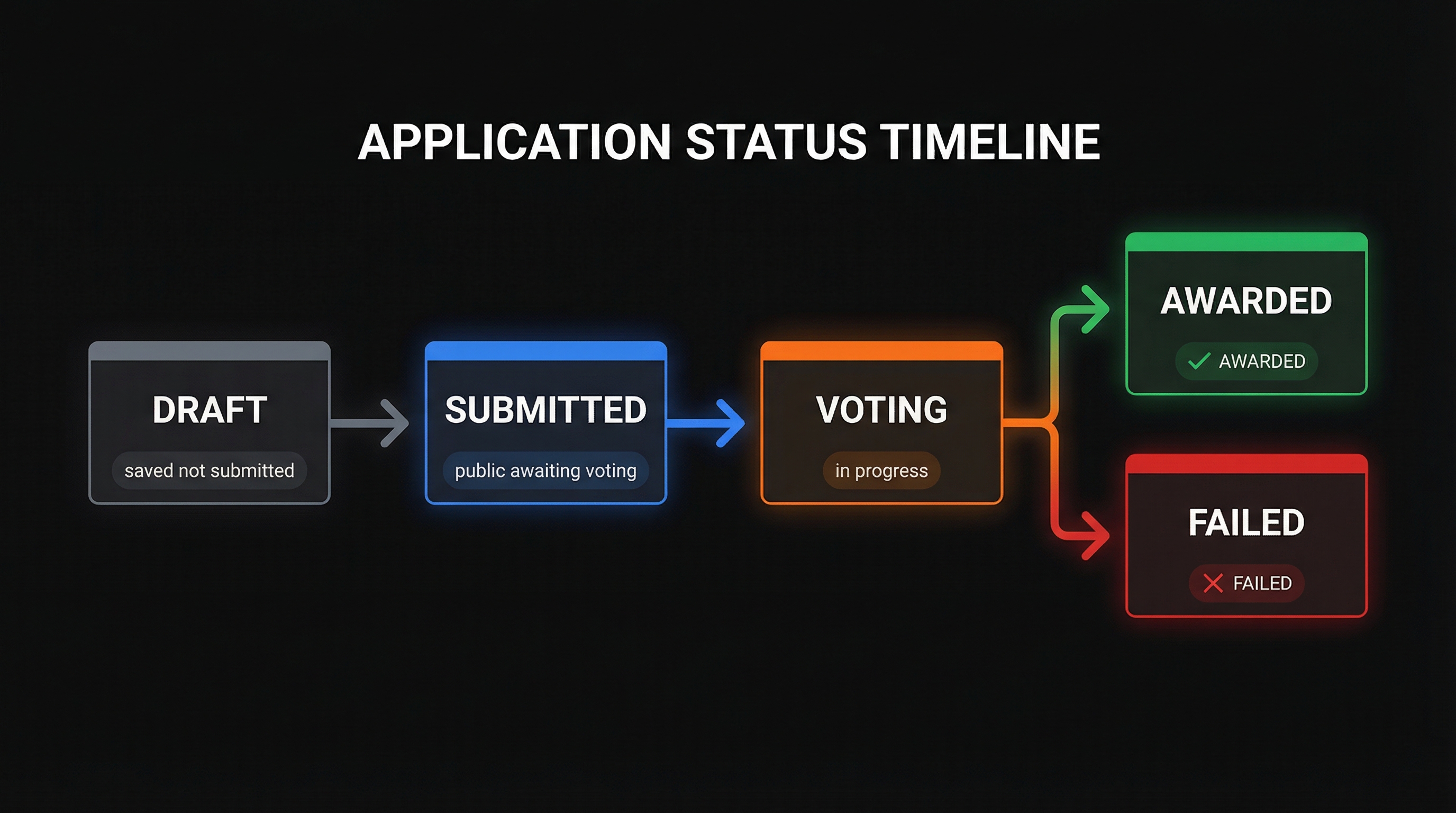
During the Submission Period
You can still edit your application (except the reward address). Watch what others submit. If you see a gap or a better angle, adjust your pitch.
During Voting
Once voting starts, your application is locked. Depending on the program's settings, you might see live vote counts (Public), just totals without names (Anonymous), or nothing until it's over (Hidden).
You can't vote on your own submission.
After Voting Ends
Settlement runs daily at midnight UTC. It tallies votes, determines winners, and queues payouts. Check back the next day.
If you won: Your status changes to "Awarded". You'll see the award amount and transaction status. Once multisig owners approve the transaction, tokens arrive in your wallet.
If you didn't win: Your status shows "Failed". Look at the vote breakdown (if its public). Did you get engagement but not enough? Or no votes at all? That feedback helps for next time.
Common Questions
How long until results? Usually within 24 hours after voting ends.
Showing "Awarded" but no tokens yet? The transaction is probably waiting for multisig signatures. Give it a few days.
Can I appeal? No. Community votes are final.
Status seems stuck? Settlement runs at midnight UTC. If it's been over a day with no change, reach out to support.
Next Steps
- Explore more programs at Finding Programs
- Understand voter motivations in Core Concepts
- Consider becoming a voter yourself